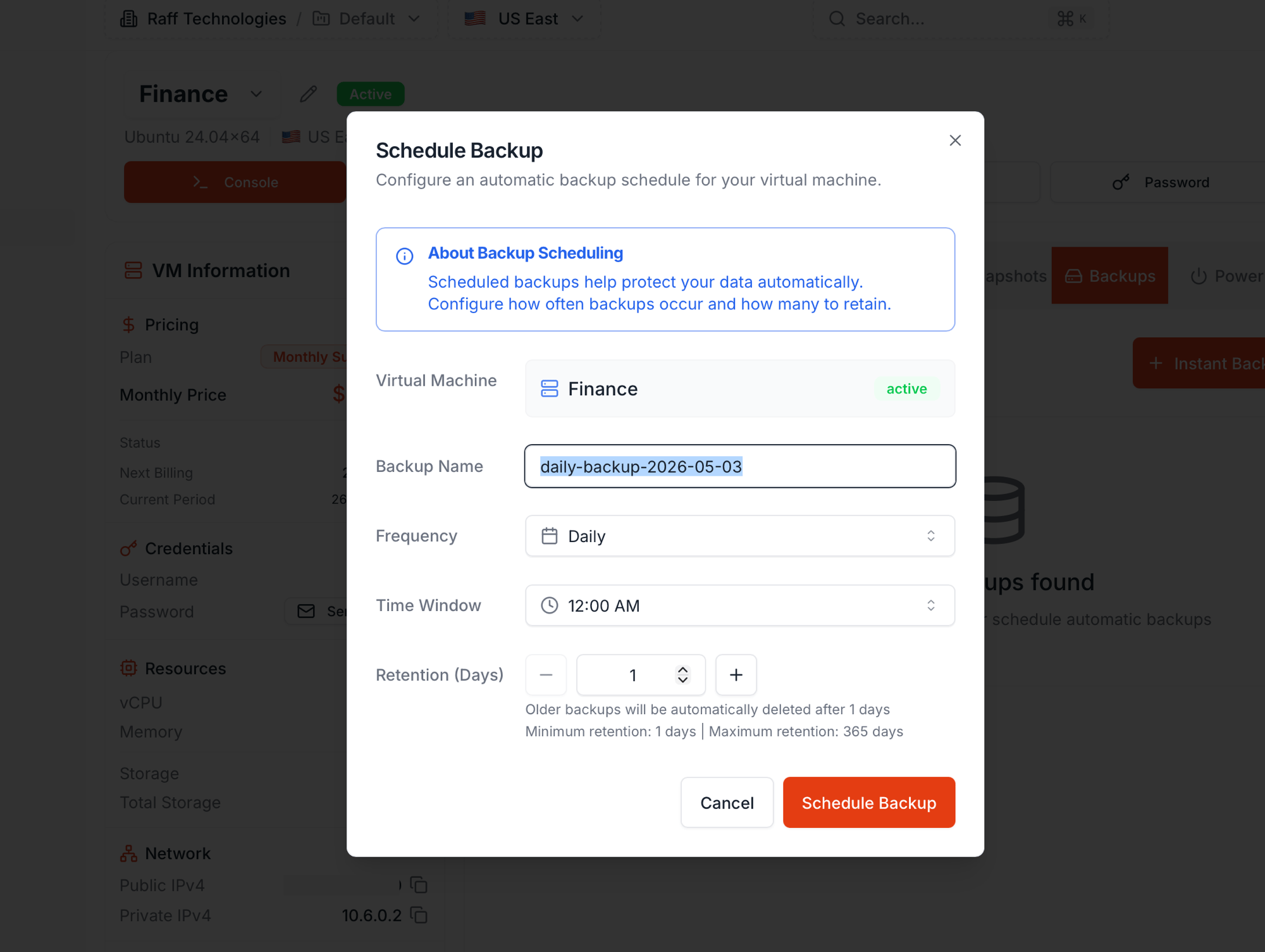
Run an instant backup, schedule recurring daily or weekly backups, and manage retention
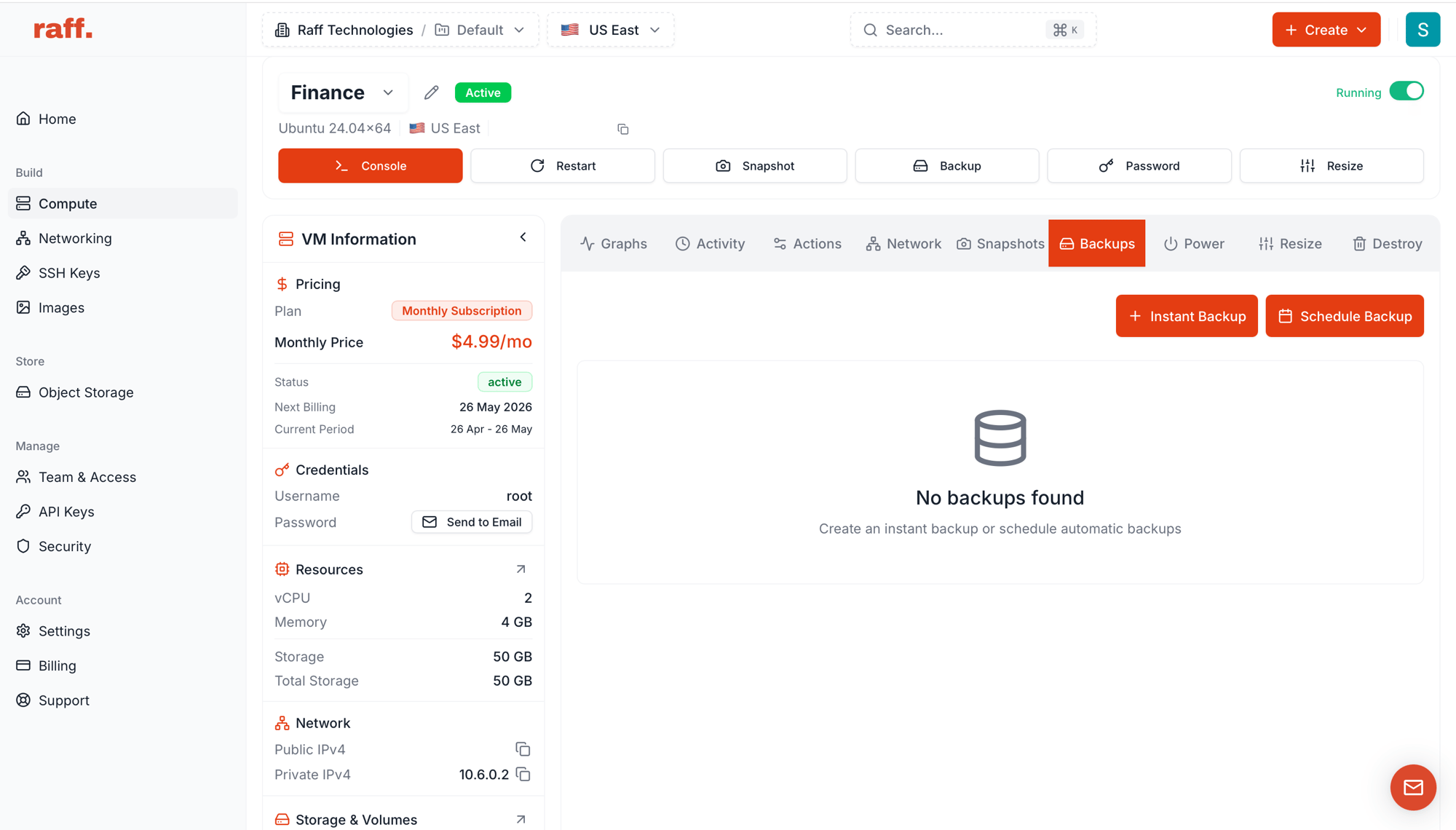
Updated May 8, 2026Backups are managed copies of a VM’s OS disk. Two flavours:
Type
When it runs
Use for
Instant Backup
On demand, one-off
Pre-change capture, ad-hoc protection
Scheduled Backup
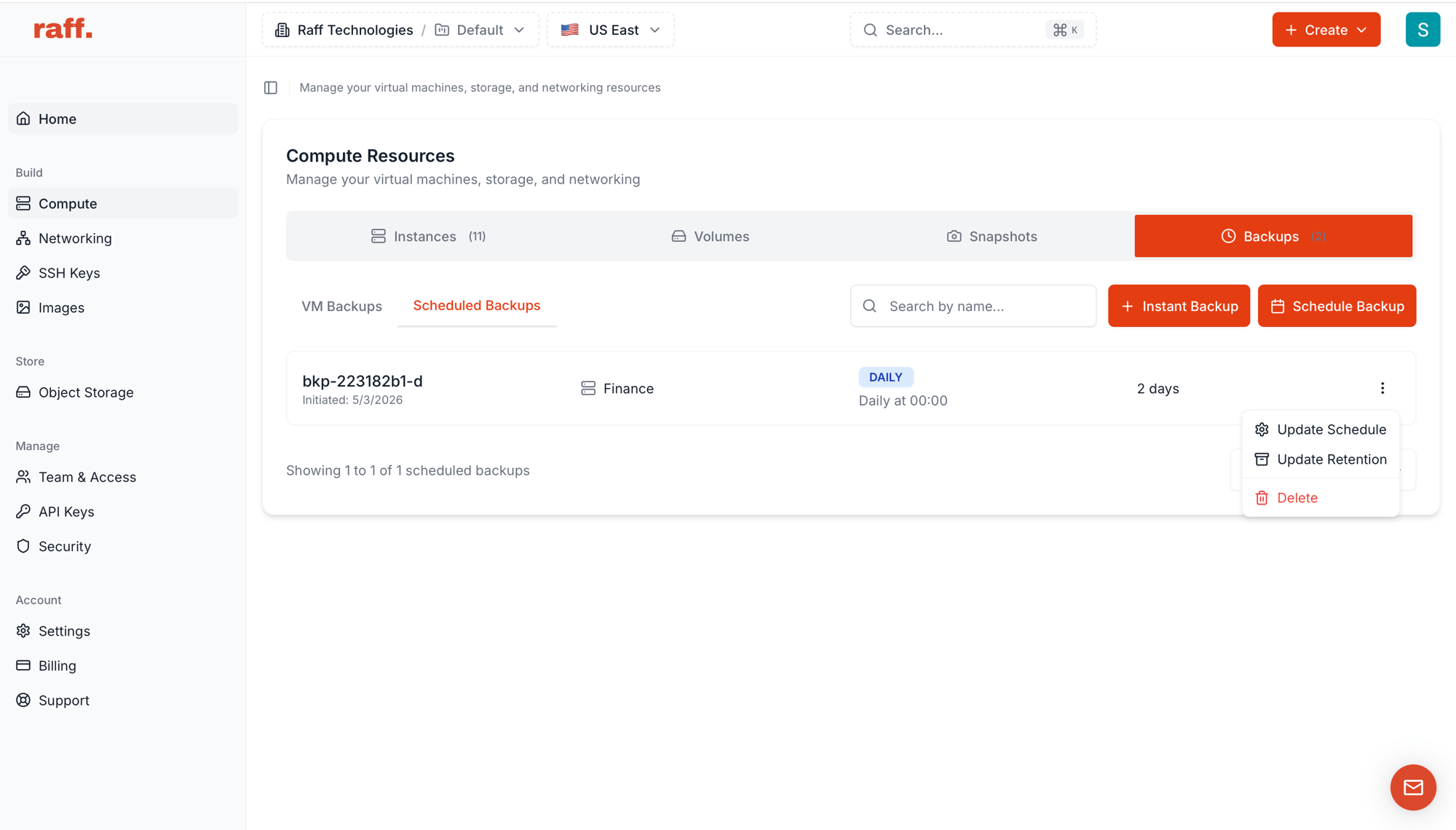
Recurring (Daily / Weekly) at a time you pick
Routine protection without remembering to run them
Each VM can have multiple schedules running side by side (for example a Daily schedule for short-cycle protection plus a Weekly schedule for long-cycle retention).For one-off lower-overhead captures with no schedule and no retention policy, see Create a snapshot. For when to use which, see Snapshots vs Backups.
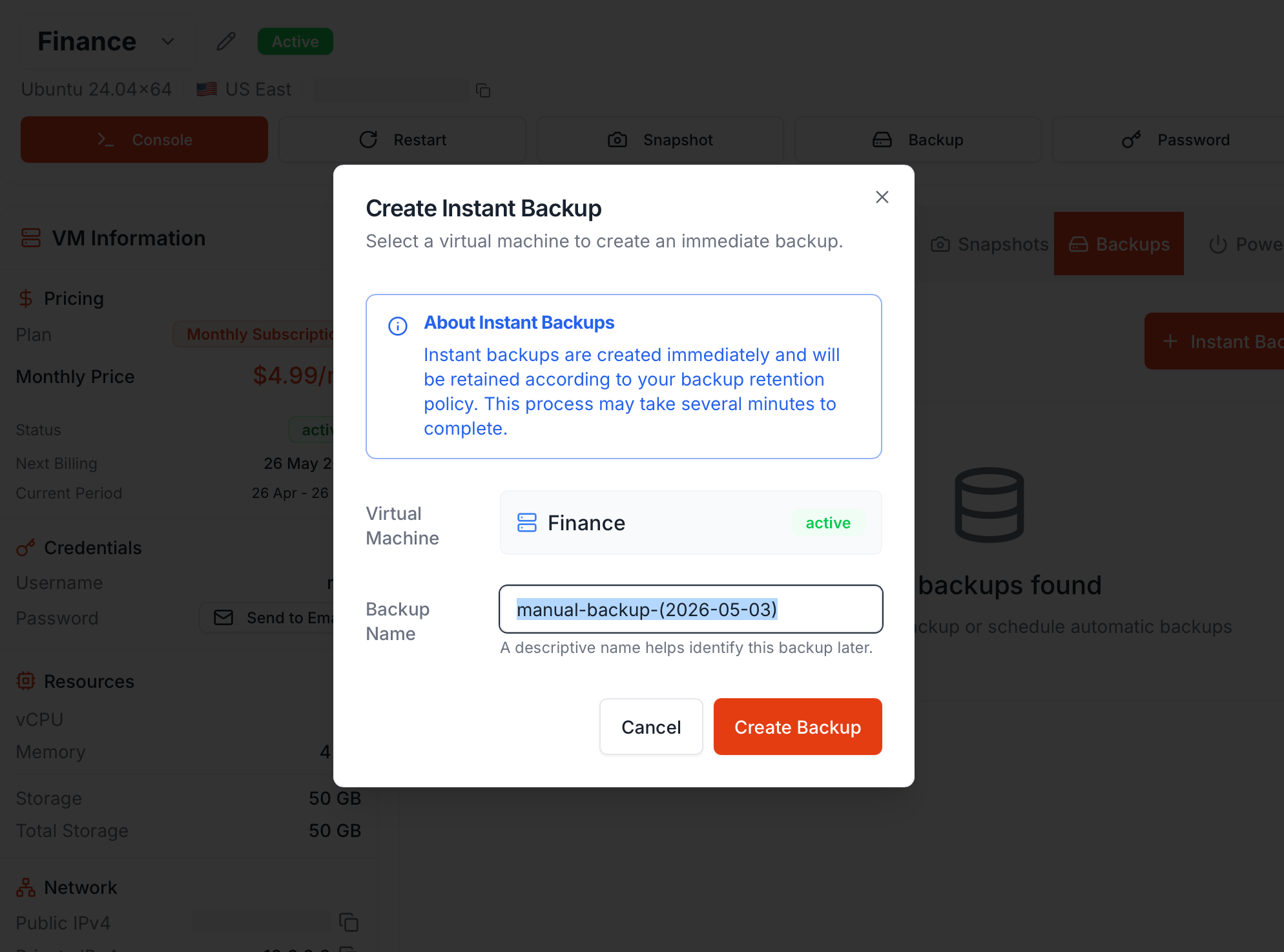
The target VM (pre-filled when launched from a VM detail page)
Backup Name
Default manual-backup-(YYYY-MM-DD); rename for context (e.g. pre-kernel-upgrade)
Click Create Backup. Capture takes several minutes; the new backup appears in the list with creating status, then ready.Instant backups are retained according to your VM’s retention policy — the same policy that scheduled backups use.
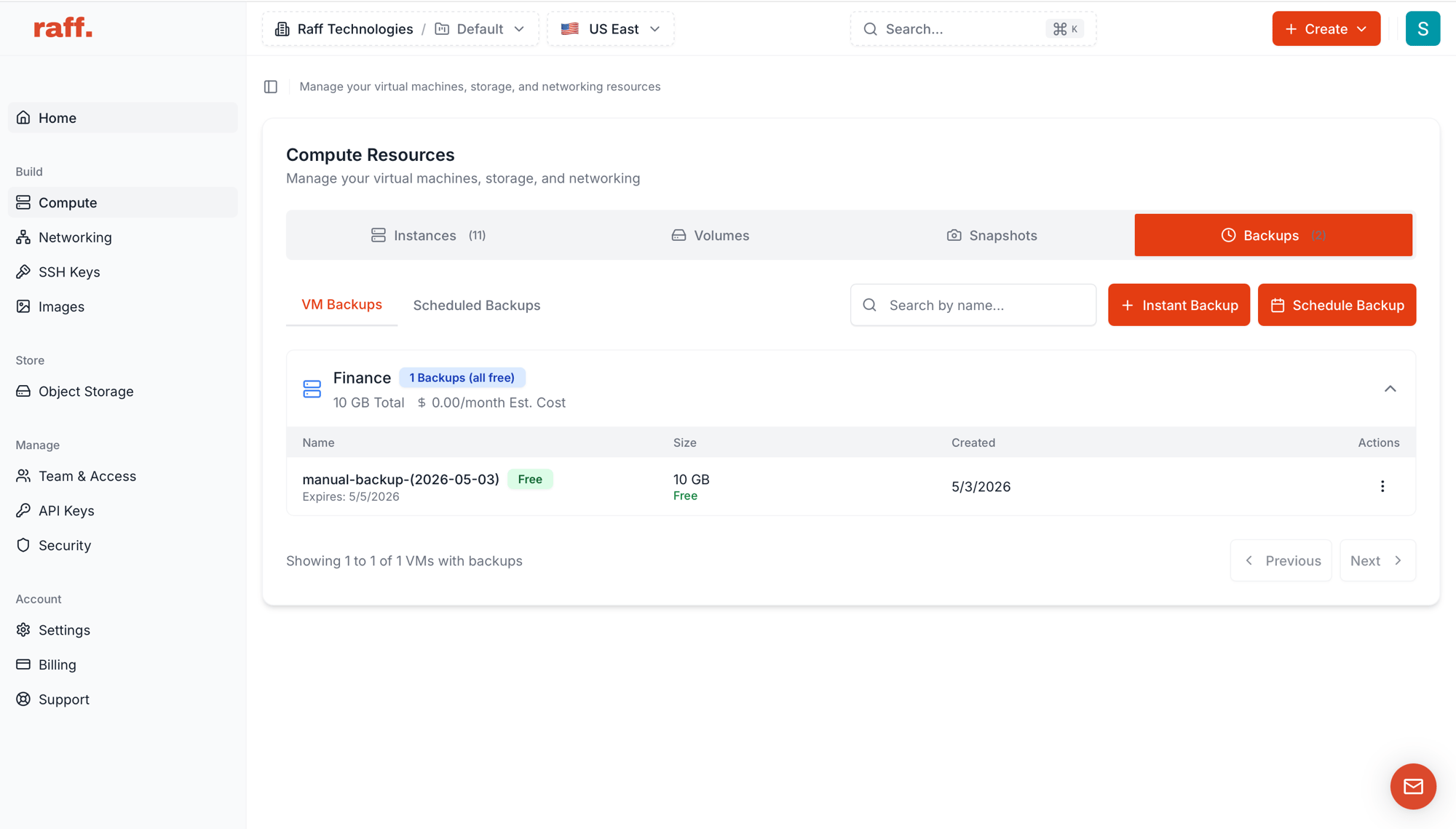
Shared free-storage pool. Backups and snapshots draw from one account pool: 50 GB free, plus 10% (Standard) or 15% (Premium) of each VM’s disk. The pool shrinks when a VM is deleted but never below 50 GB.
$0.05/GB/month for combined backup + snapshot storage above the pool — you’re billed only for the excess.
Daily and Weekly cost the same per GB — pricing is by storage, not by frequency. Pick by your recovery point objective: Daily = up to 24 hours of data loss in a worst case, Weekly = up to 7 days.
The Estimated Monthly Cost column on the VM Backups view projects what a full month at the current storage would cost.
Charges accrue continuously and settle at the end of each calendar month, with the previous month billed on the 1st — applied against your account balance first, with any remainder charged to your saved card.