

Each VM can have multiple schedules running side by side (for example a Daily schedule for short-cycle protection plus a Weekly schedule for long-cycle retention).
For one-off lower-overhead captures with no schedule and no retention policy, see Create a snapshot. For when to use which, see Snapshots vs Backups.
Two places to manage backups
a. VM detail page → Backups tab — single VM
Open the VM detail page and switch to the Backups tab. Two action buttons sit at the top right: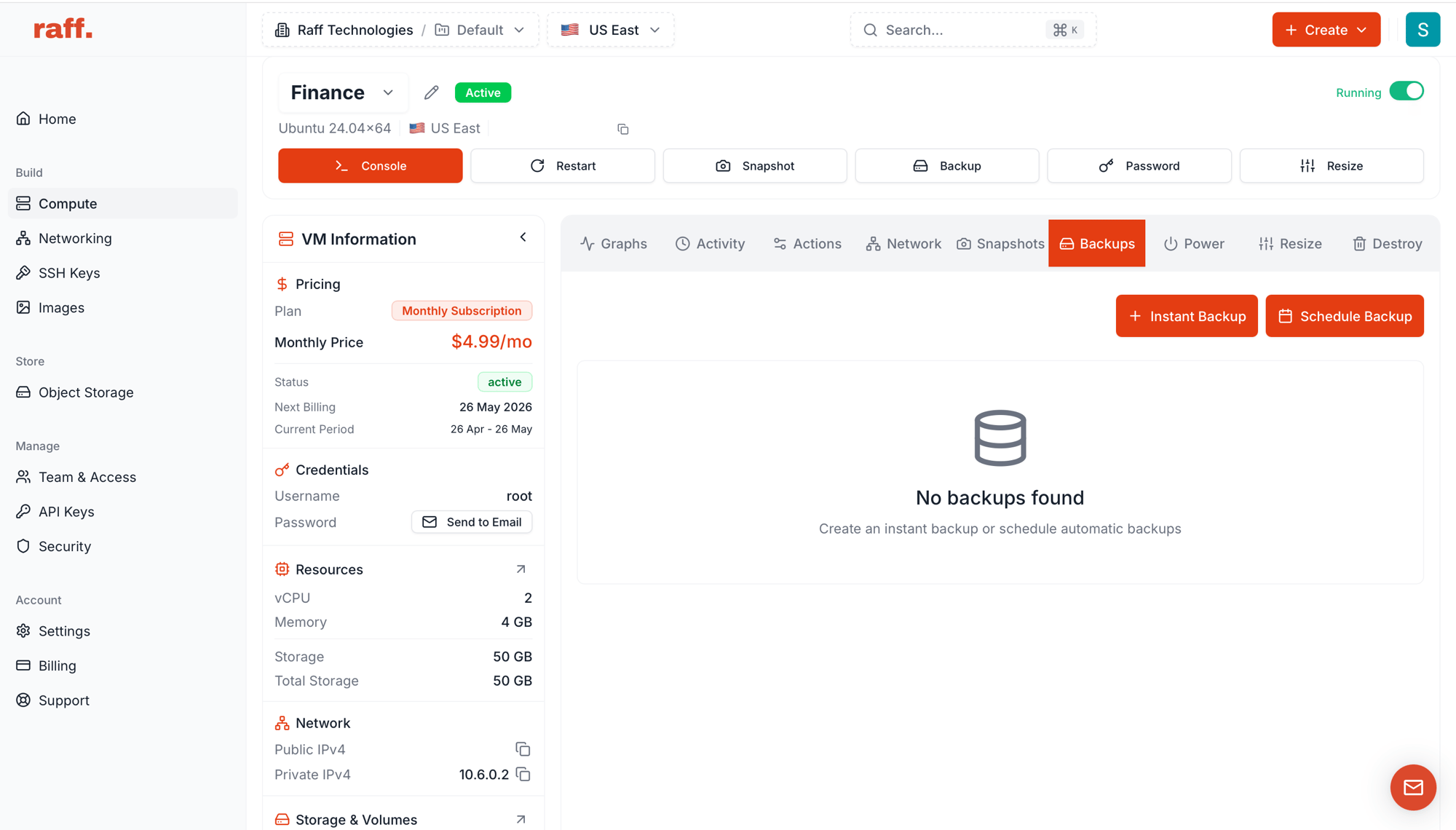
- + Instant Backup — capture now, one-off
- Schedule Backup — recurring schedule
b. Compute Resources → Backups — account-wide
The top-level Backups tab in Compute Resources is the central hub for every VM’s backups across the account.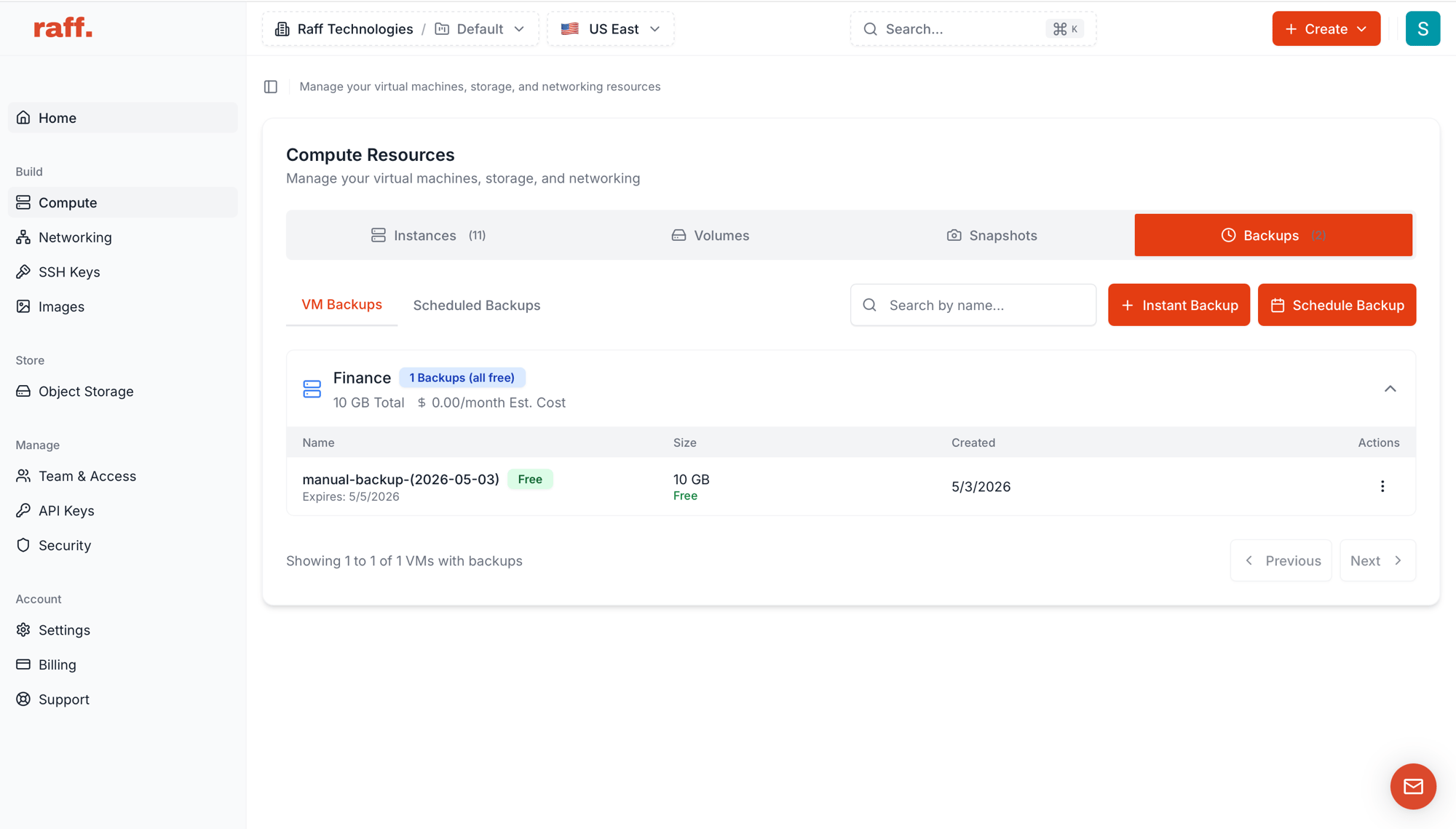
- VM Backups — every individual backup grouped by VM, with size totals and estimated monthly cost.
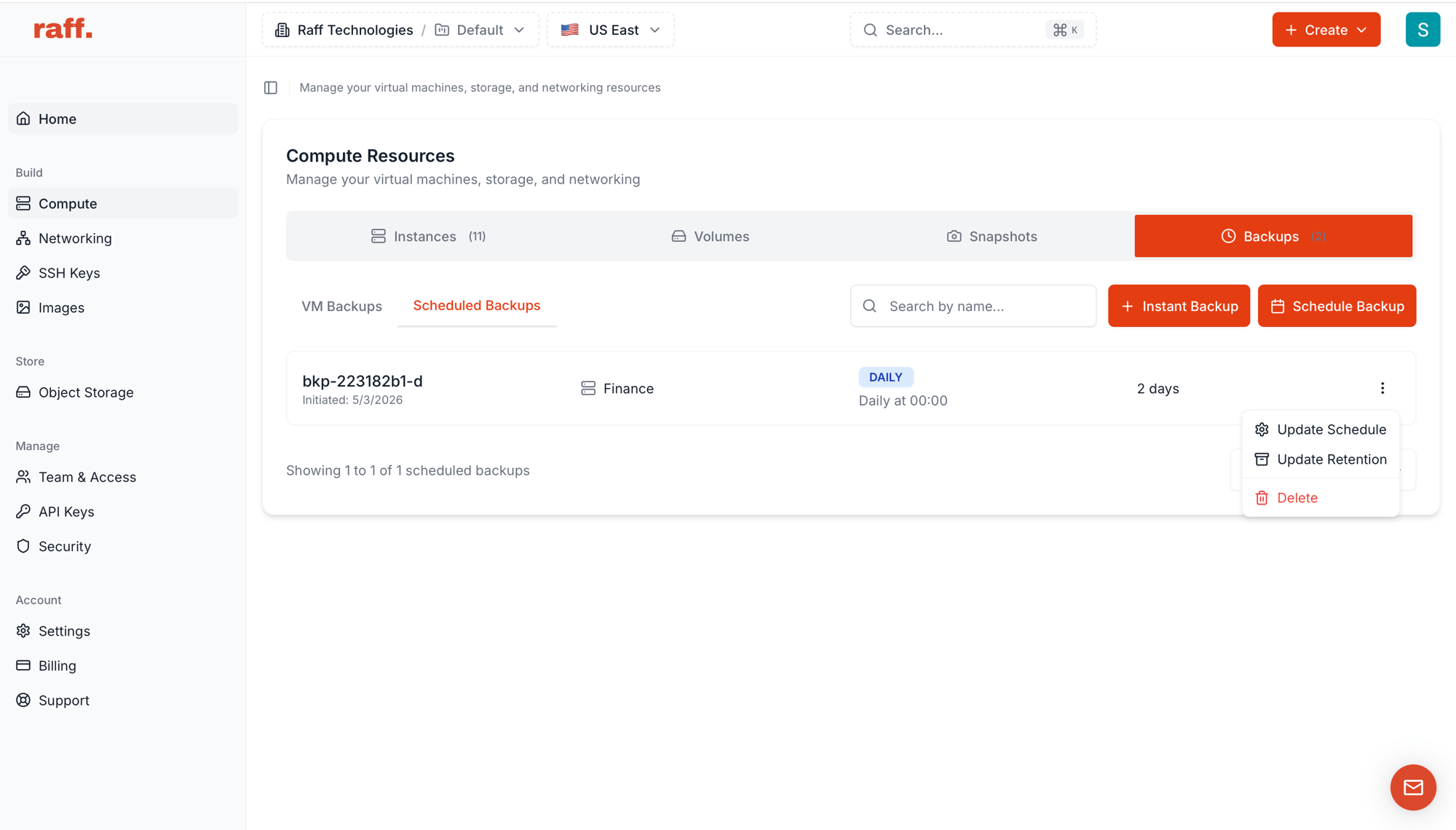
- Scheduled Backups — every active schedule across the account.
Run an instant backup
Click + Instant Backup from either entry point.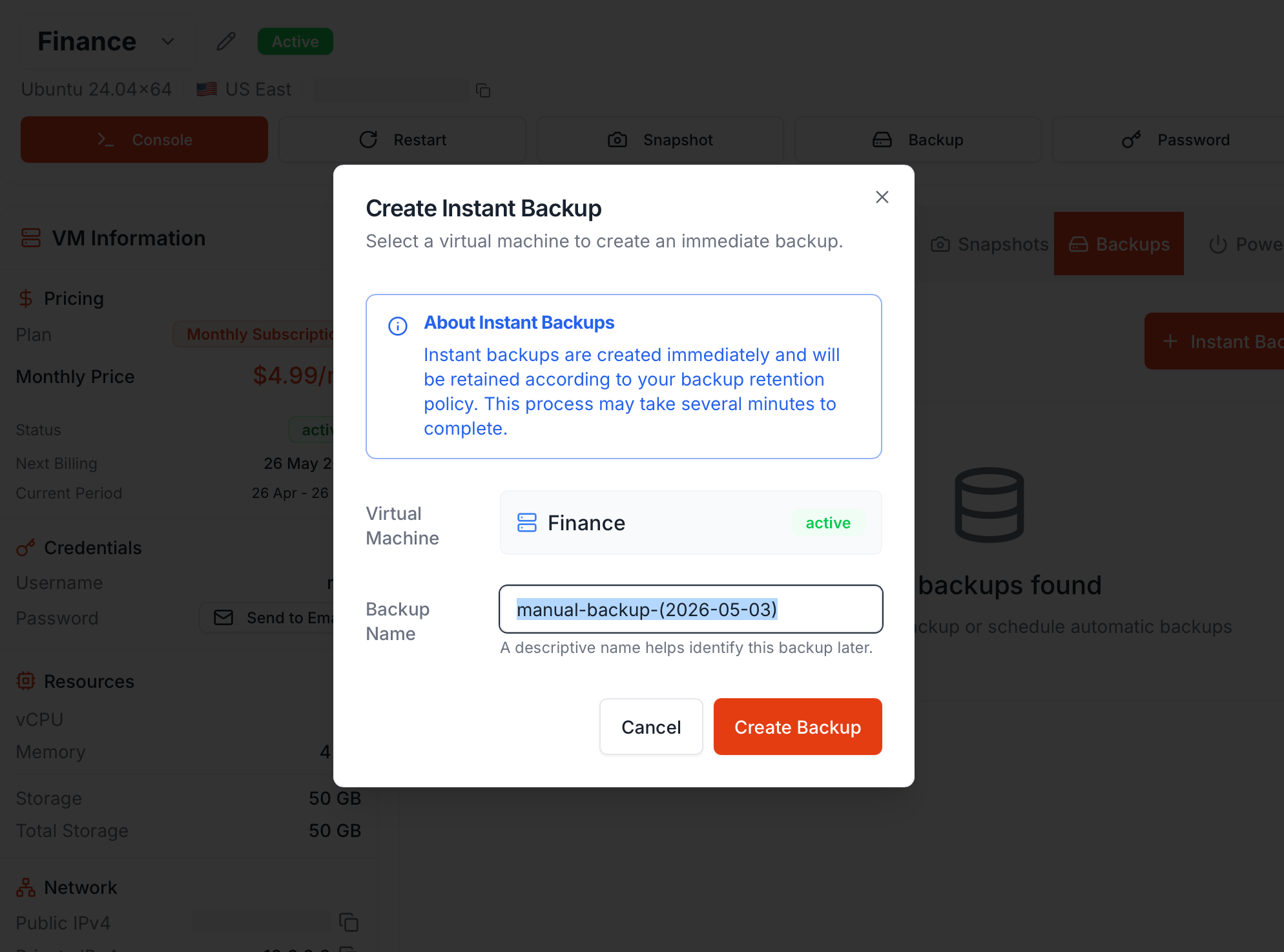
Click Create Backup. Capture takes several minutes; the new backup appears in the list with
creating status, then ready.
Instant backups are retained according to your VM’s retention policy — the same policy that scheduled backups use.
Schedule recurring backups
Click Schedule Backup.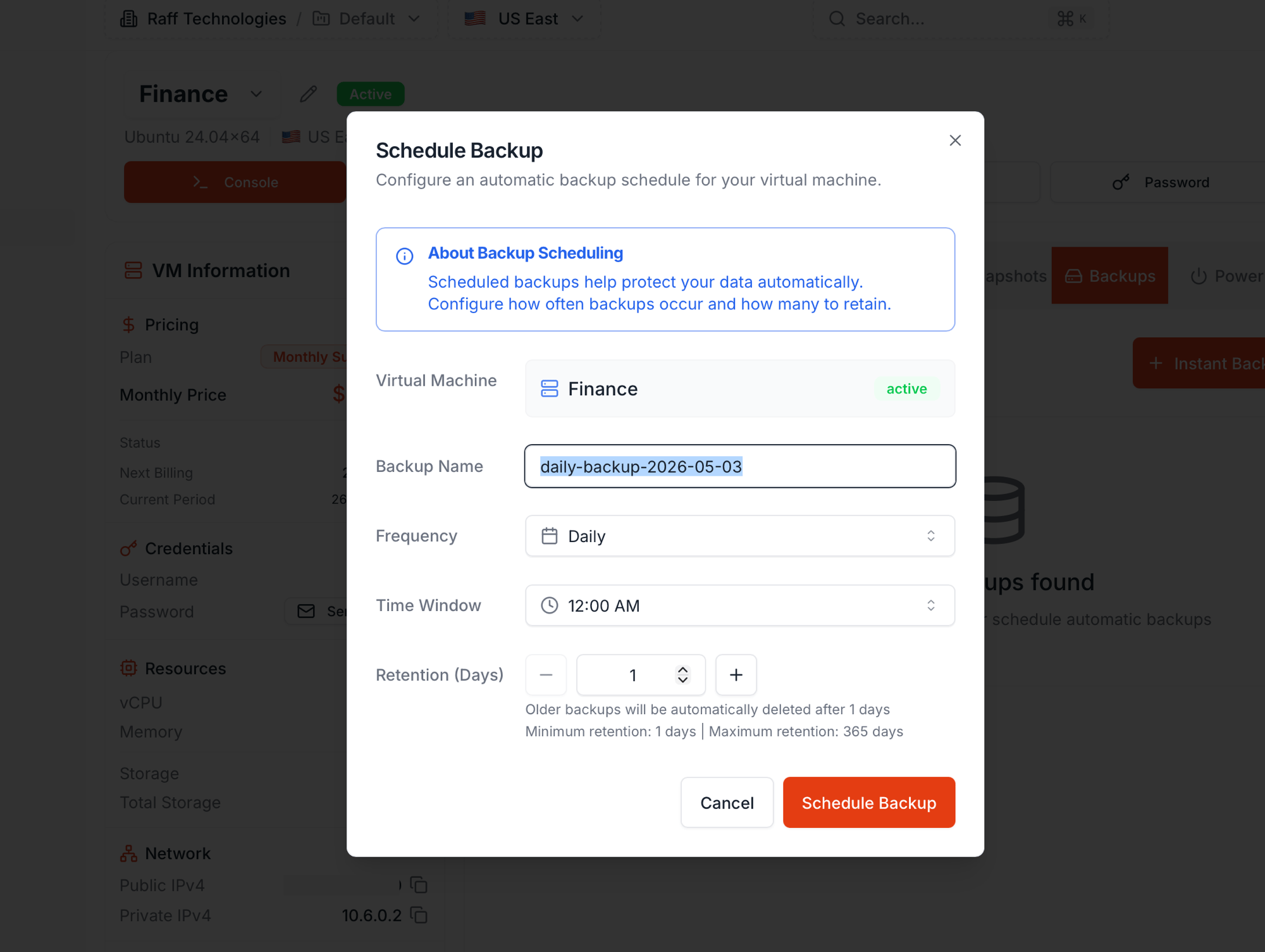
Older backups beyond the retention window are auto-deleted on a rolling basis. Click Schedule Backup to activate.
Multiple schedules per VM
Add as many schedules as you need on the same VM — they run independently. A common pattern:
Both run; their storage counts together against your shared free pool, with the per-GB rate applied only above it.
Manage existing schedules
On Compute Resources → Backups → Scheduled Backups, each schedule’s row has a 3-dot Actions menu:
Frequency, time, and retention can be edited any time — no need to delete and recreate.
Pricing
- Shared free-storage pool. Backups and snapshots draw from one account pool: 50 GB free, plus 10% (Standard) or 15% (Premium) of each VM’s disk. The pool shrinks when a VM is deleted but never below 50 GB.
- $0.06/GB/month for combined backup + snapshot storage above the pool — you’re billed only for the excess.
- Daily and Weekly cost the same per GB — pricing is by storage, not by frequency. Pick by your recovery point objective: Daily = up to 24 hours of data loss in a worst case, Weekly = up to 7 days.
- The Estimated Monthly Cost column on the VM Backups view projects what a full month at the current storage would cost.
Backup vs Snapshot
Next steps
Snapshots vs Backups
Decision framework.
Create a snapshot
One-off, on-demand capture.
Storage model
Backups are the only thing that survives delete-VM.