

https://<cluster-id>.k8s.raffusercloud.com:6443). Access is by the cluster’s kubeconfig.
There are two ways to get one, and the difference is only about renewal:
Every credential we issue expires. Rotating access invalidates all of them at once — see Cluster access and credentials.
Before you start
- A cluster in Running state
- kubectl installed locally
Steps
Option A — the CLI (nothing to renew)
kubectl calls the Raff CLI for a
short-lived token before each request. Anyone who copies the file cannot use
it without your API key.
Option B — download from the dashboard
1
Download the kubeconfig
Open the cluster and click kubeconfig in the header (also available under Settings).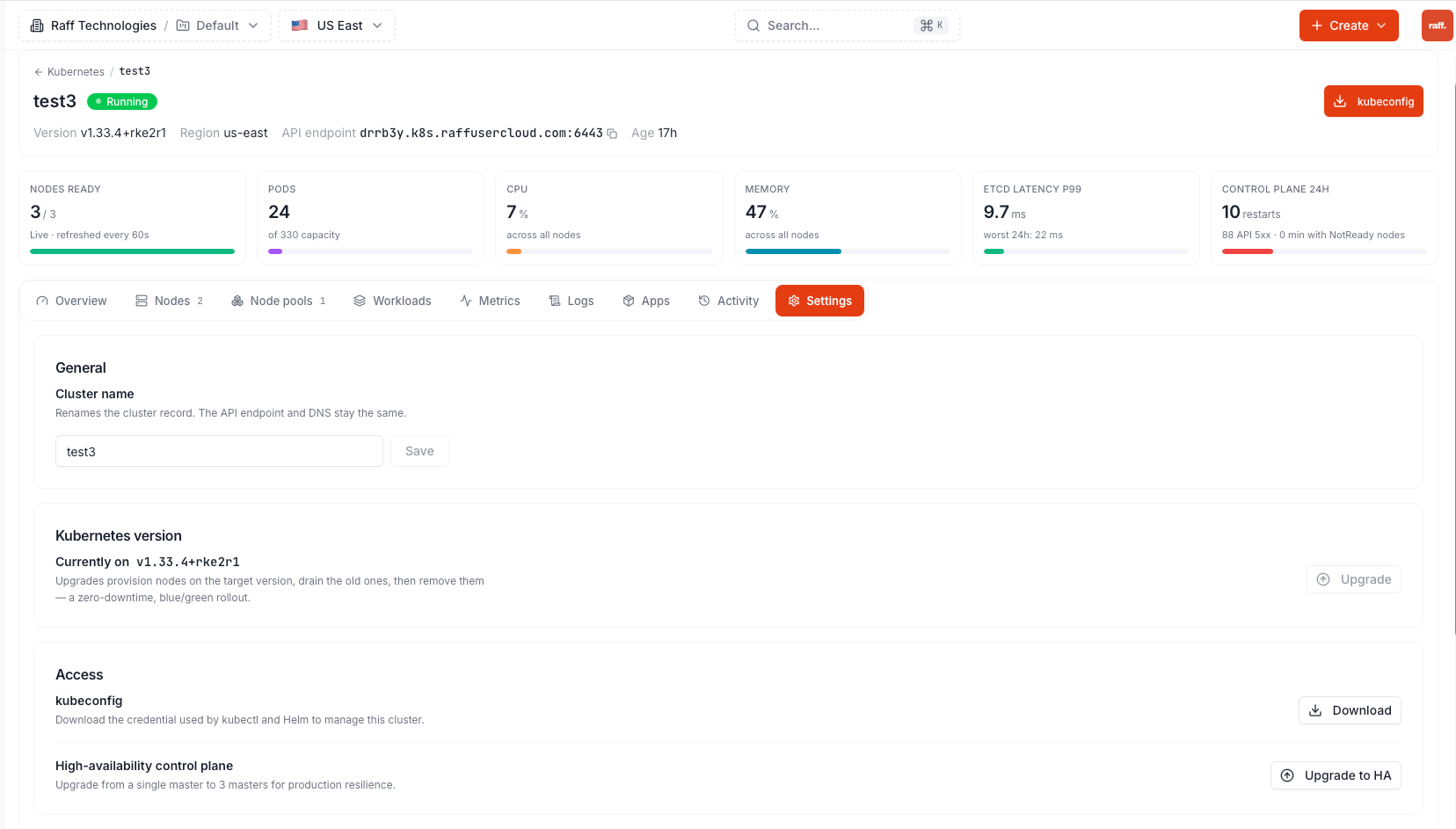
2
Point kubectl at it
Ready state.3
Deploy something
Next steps
Expose a service
Reach your workload from the internet
View logs & metrics
Watch workloads without leaving the dashboard